Apple IT Weekly: OS 27 Ships, Declarative Management Moves Forward, and the Real Testing Begins
Week of September 14, 2026
Apple’s biggest software release of the year is now in production.
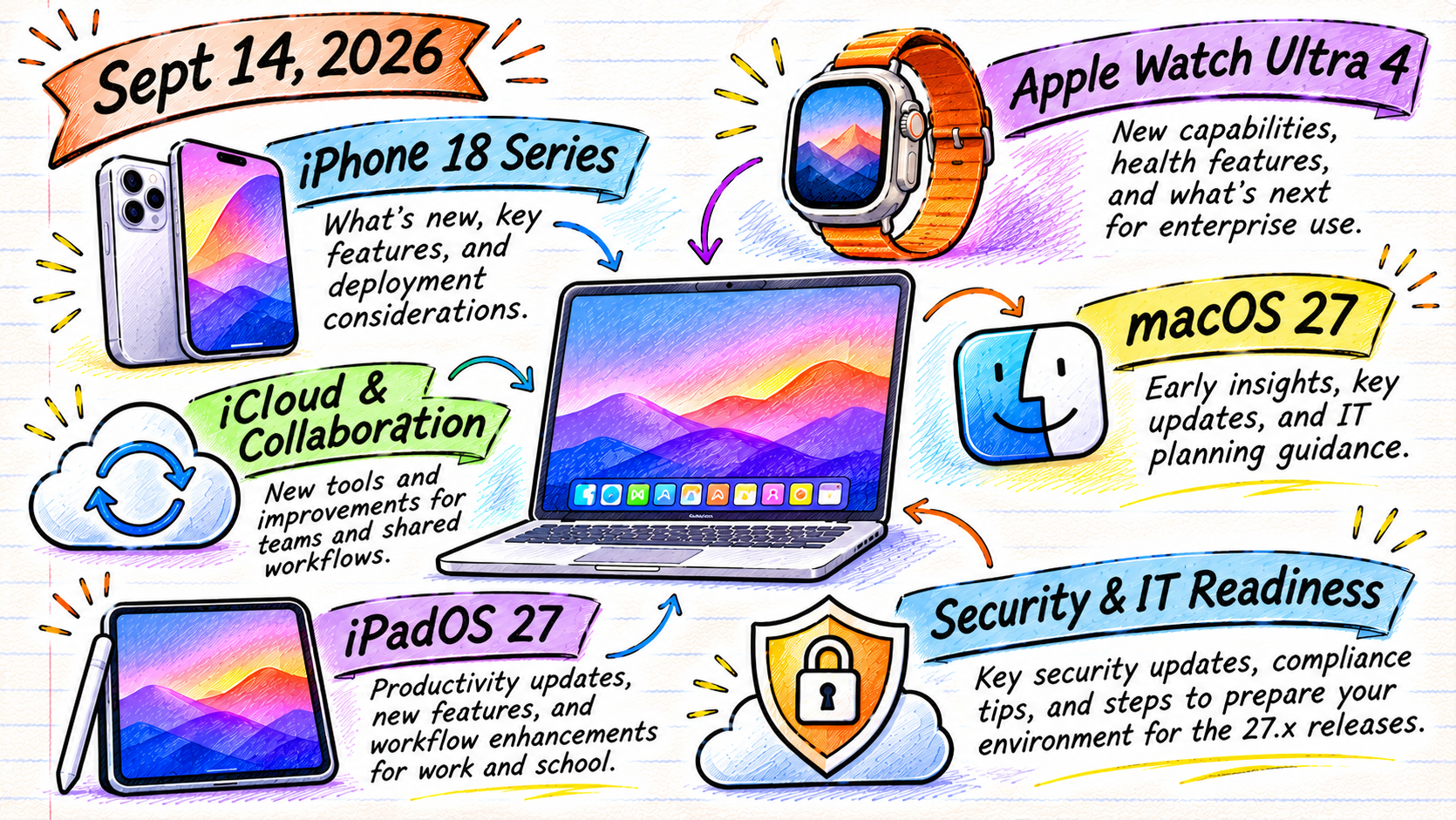
On September 14, Apple released iOS 27, iPadOS 27, macOS 27, tvOS 27, visionOS 27, watchOS 27, and Xcode 27.
That means the beta period is over.
Now we get to see what actually happens when real users, real applications, real identity systems, and real management platforms meet the new OS.
For Apple consultants and IT professionals, this is not the end of the testing cycle.
It is the beginning of the production validation cycle.
OS 27 Is Now Live
Once an Apple operating system ships, the tone changes immediately.
Users can upgrade.
New devices begin arriving with it installed.
Vendors start changing their support statements.
And clients begin asking the question we all hear every September:
Can I upgrade yet?
The right answer is not the same for every organization.
Some environments will be ready immediately.
Others should wait.
The important thing is that the answer should be based on validation rather than instinct.
Before approving broad deployment, I want to know:
- whether MDM enrollment works
- whether Platform SSO works
- whether FileVault behaves correctly
- whether security extensions load
- whether VPN and content filtering work
- whether backup software functions
- whether critical applications launch
- whether update management behaves properly
A major OS release should trigger a controlled rollout, not a guessing game.
Declarative Management Is Becoming More Important
The September Apple Platform Deployment documentation reflects how much Apple’s management architecture has changed.
Declarative Device Management is becoming more central across software updates, application management, identity, networking, and device status.
For consultants, that means this is a good time to review how much of the environment is still relying on older command-driven workflows.
Traditional MDM is not disappearing overnight.
But Apple is steadily moving new capabilities into the declarative model.
The long-term advantage is better device state awareness.
Instead of simply issuing commands and hoping the device eventually complies, DDM is designed around the device understanding the desired configuration and reporting its state.
That is a better model for modern Apple fleets.
The challenge is that MDM vendors will not all implement it at the same speed.
The Real Test Is the First-Day Experience
Whenever a new macOS version ships, I like to test the entire new-Mac experience again.
Not just enrollment.
Everything.
That means:
unbox → network → Automated Device Enrollment → MDM enrollment → configuration → applications → FileVault → identity → productive desktop
This is where small timing issues become very visible.
Maybe Platform SSO is not ready when the user reaches the desktop.
Maybe Company Portal arrives too late.
Maybe FileVault enables before account registration completes.
Maybe required applications install after the user has already started working.
None of those may appear as a formal MDM failure.
They still create a poor deployment experience.
That is why we need to look at the workflow the way the user sees it.
New Apple Intelligence Capabilities Need Policy
OS 27 also introduces the next generation of Apple Intelligence and Siri AI across supported devices. Apple says these features are rolling out across iPhone, iPad, Mac, Apple Watch, and Vision Pro.
For consumers, that is a feature story.
For business environments, it is also a policy story.
Organizations need to decide how they want AI capabilities used around:
- confidential documents
- client communications
- privileged information
- regulated data
- internal business content
The wrong response is usually to disable everything blindly.
The better response is to understand which features exist, which ones can be managed, and which clients actually have policy requirements around them.
For professional-services organizations, this is particularly important.
The technology is arriving faster than many internal policies.
Consultants can help close that gap.
Xcode 27 Changes the Development Baseline
Apple also released Xcode 27 alongside the new operating systems.
For organizations that publish applications, the development environment now needs its own validation.
That includes:
- project compatibility
- SDK behavior
- code signing
- notarization
- App Store submission
- managed-app deployment
- internal distribution
A stable production app can still run into release problems because the surrounding toolchain changed.
That is why development operations belong in the same lifecycle planning discussion as device management.
Apple Has Already Started the Next Cycle
One of the realities of Apple IT is that launch week is no longer a pause.
It is a transition.
Almost immediately after OS 27 became available, Apple began moving into the 27.2 development cycle, with new Xcode and OS betas appearing during the same week.
That means a mature testing environment should already be doing two things at once:
- validating the current production release
- beginning compatibility work on the next one
This sounds excessive until you have been caught by a point release that changes a security extension, identity workflow, or networking behavior.
Continuous testing is cheaper than emergency testing.
App Store Connect Changes Matter Too
Apple also updated App Store Connect during launch week.
For most IT teams, that is peripheral.
For consultants who also publish applications, it is part of the same operational picture.
The OS, the SDK, the submission tools, and the App Store all move together.
That means application-release workflows need maintenance even when the application itself has not changed.
If you maintain internal tools or commercial software, treat App Store Connect as part of your infrastructure.
This Is the Week to Define the Upgrade Policy
Now that OS 27 is public, every client should have a clear upgrade position.
I would divide devices into three groups:
Approved now
Devices and workflows that have been fully validated.
Approved with monitoring
Devices that can upgrade but deserve extra attention.
Deferred
Devices with known compatibility or lifecycle concerns.
That classification should be documented.
A good upgrade policy should explain why a device is in each group and when that decision will be reviewed.
Without that discipline, temporary deferrals tend to become permanent.
And permanent deferrals turn into technical debt.
What I’d Be Doing This Week
I would treat this as a production-validation week.
I would:
- confirm MDM support for OS 27
- test the full ADE workflow
- validate Platform SSO
- verify FileVault and recovery-key escrow
- test endpoint-security products
- test VPN and network extensions
- review privacy profiles
- validate software-update controls
- test business-critical apps
- define client upgrade groups
- start the 27.2 lab cycle
The most important thing is to document what you learn.
That turns testing into repeatable policy instead of tribal knowledge.
The Bigger Story
The OS 27 launch is another reminder that Apple management is becoming more integrated with the operating system itself.
Identity is moving toward Platform SSO.
Management is moving toward declarative state.
AI is becoming part of the platform.
Application and privacy controls are becoming more structured.
That raises the bar for Apple IT.
We cannot manage the platform well by treating the MDM console as the entire system.
The console is only the interface.
The real system is the combination of Apple’s frameworks, the identity provider, the security stack, the applications, and the management vendor.
Understanding how those layers interact is becoming the core skill.
The Bottom Line
OS 27 is here.
That means the question is no longer whether it works in beta.
The question is whether it works in your environment.
Approve upgrades deliberately.
Validate the entire user experience.
Test the identity and security stack.
And remember that Apple has already started building the next update.
In modern Apple IT, release day is not the end of the project.
It is the start of the next one.